

Help › People and account numbers
"How to pay" notices
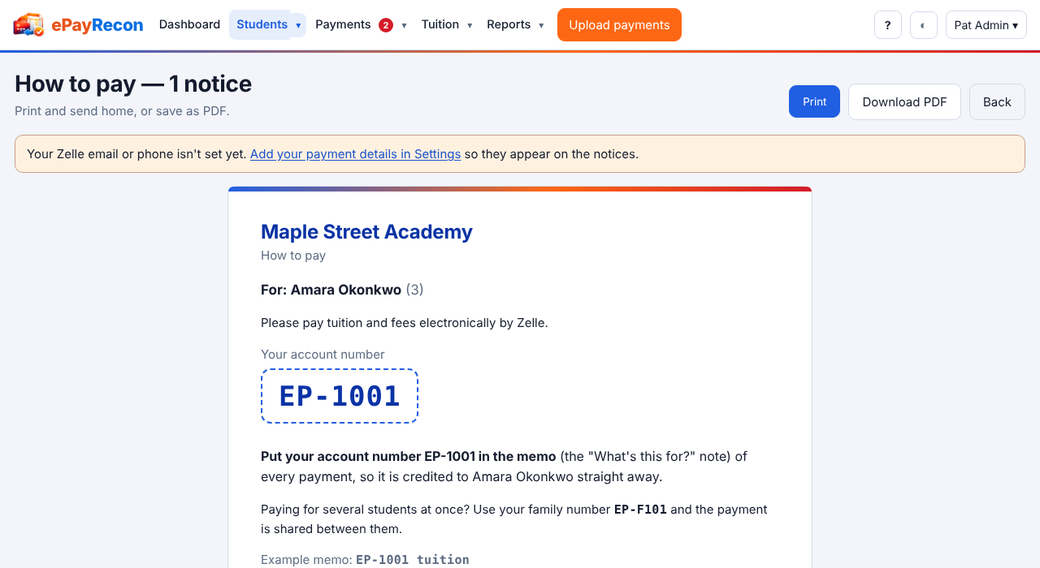
A notice tells each family, tenant or member their account number and how to pay you (your Zelle email or phone, the recipient name and other ways to pay).
- Set your payment details in Settings › How to pay.
- On the People page press Print all notices or Notices PDF, or select some people and press Print notices — or Email notices.
Still stuck? Contact us.