

Help › Matching
The review screen
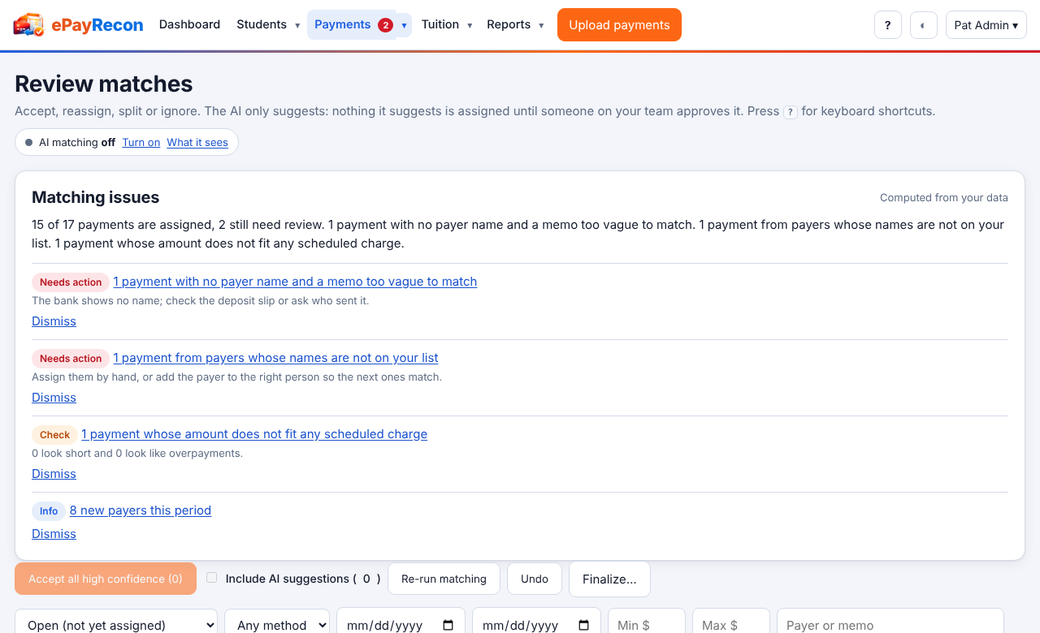
Filter by status, method, dates, amounts or text. Each row has its suggestion and actions.
| Key | Action |
|---|---|
j / k | Next / previous payment |
a | Accept the suggestion (approve an AI suggestion) |
d | Reject the AI suggestion |
e or Enter | Choose someone else (type a name or account number) |
s | Split between several people |
r | Always match this payer to the chosen person (a rule) |
i | Not a payment for anyone / reopen |
n | Add a note |
x | Select for a bulk action |
| Shift+A | Accept every high-confidence match |
u or Ctrl+Z | Undo |
The Payer check under a payment says whether that payer paid enough for the month.
Still stuck? Contact us.